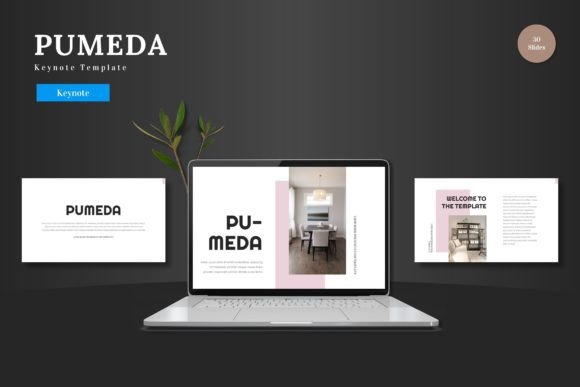
Pumeda: A Dynamic Keynote Template for Modern Presentations
Imagine this: you've spent weeks perfecting your business pitch, refining your product launch strategy, or compiling your quarterly results. The content is solid, the data is sound, but when you open your presentation software, you're greeted with a blank slide and a handful of generic, uninspired templates. The default options feel corporate and stiff, completely misaligned with your brand's vibrant energy. You need something that captures attention immediately, feels professional yet creative, and—most importantly—is ready to use without a steep learning curve. This is where a thoughtfully designed template like Pumeda steps in, transforming a mundane task into an opportunity for visual storytelling.
Beyond the Default: Visual Appeal and Practical Design
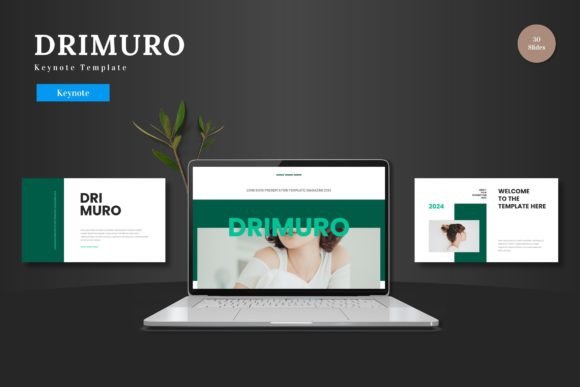
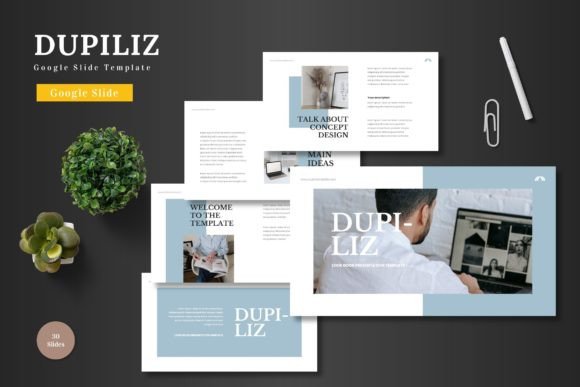
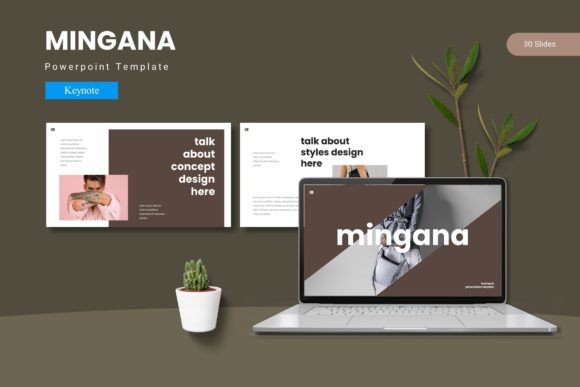
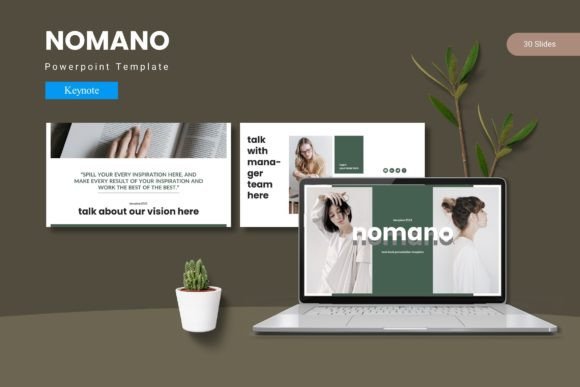
At its core, Pumeda is a Keynote template built on the principle of clean, scalable, and colorful design. It’s not just a collection of slides; it’s a versatile visual system. The aesthetic leans towards modern clarity—think ample white space, bold yet balanced color palettes, and handcrafted infographics that make complex data digestible. Each of the 150+ total slides across the five premade color schemes is crafted with pixel-perfect illustrations and shapes that are fully resizable and editable directly within Keynote. This means you’re not locked into a rigid structure. You can adapt every element to fit your specific branding, from adjusting color swatches to match your logo to resizing graphics for emphasis.
What makes this particularly valuable for small business owners, marketers, and creators is the focus on practicality. The template includes dedicated section break slides to logically organize your narrative, and gallery/portfolio slides that are perfect for showcasing visual work. The inclusion of picture placeholders with drag-and-drop functionality streamlines the process of adding your own images, ensuring a polished look without hours of manual alignment. You’re essentially starting with a professionally designed framework that respects your time and creative input.
Real-World Applications Across Industries
The true test of any design asset is its adaptability across different projects. Let’s consider how a template like this serves various needs beyond a standard corporate presentation.
For an entrepreneur crafting a pitch deck, the animated slides can bring a product demo or market analysis to life, holding investor attention. A small e-commerce brand could use the portfolio slides to create a visually driven lookbook for a new collection, easily swapping in product shots and adjusting the color scheme to reflect seasonal themes. Marketing professionals will find the infographic slides invaluable for turning social media campaign results or website analytics into compelling reports for clients or stakeholders.
Even outside of business, the applications are broad. A blogger could structure a workshop or course material into an engaging series of slides. A crafter or artist might use the clean layout to present a portfolio for gallery submissions or grant applications. The multipurpose nature means the same template can be repurposed for a client presentation, an internal team meeting, a webinar, or a public talk, maintaining visual consistency across all touchpoints which is a cornerstone of strong brand identity.
Streamlining Your Workflow and Enhancing Professionalism
One of the most significant advantages here is the workflow efficiency. Because every element is editable within Keynote’s native environment—using master slides for global changes—you avoid the frustration and potential errors of switching between multiple software programs. Need to change the primary brand color across all 150 slides? Adjusting the master slide once propagates the change everywhere. This ensures visual consistency, a critical factor in brand recognition and professional presentation.
Furthermore, the design promotes readability. The clean typography and structured layouts guide the viewer’s eye naturally through the content. The inclusion of section breaks helps manage information flow, preventing cognitive overload. For anyone presenting to an audience, whether live or in a recorded video, this clarity translates directly to better engagement and comprehension. Your message isn’t lost in a cluttered visual; it’s supported by it.
Making the Most of Your Template: Practical Tips
To get the best results from a resource like Pumeda, consider these practical steps:
- Start with Your Brand Colors: Use the provided color variations as a starting point, but don’t hesitate to customize using your exact brand hex codes. Consistency with your other marketing assets—like your website, social media graphics, and packaging—reinforces your identity.
- Curate Your Content: The template provides the structure, but your content is the story. Use the infographic slides to visualize data, but ensure each visual has a clear purpose. Avoid overcrowding slides; the clean design works best when given room to breathe.
- Pair with Complementary Fonts: While the template specifies its own font usage, if you choose to introduce additional typefaces for body text or accents, opt for font pairings that contrast yet complement. A sans serif font often pairs well with a serif font for hierarchy, or a script font can add a touch of elegance to headers if it aligns with your brand’s voice.
- Test Your Presentation: Always run through your completed slides in presentation mode. Check animations, ensure image placeholders render correctly, and verify text readability from a distance. This final review is what separates a good presentation from a great one.
Ultimately, investing in a premium template is about investing in clarity and impact. It’s a tool that helps you communicate your ideas with the visual polish they deserve, whether you’re closing a deal, educating an audience, or showcasing your creative portfolio. By providing a robust, editable foundation, it allows you to focus on what truly matters: your message and your connection with the audience.