Dupiliz: A Modern Google Slides Template for Dynamic Presentations
Ever spent hours wrestling with a presentation, only to end up with slides that look cluttered, inconsistent, or just plain boring? You’re not alone. For many professionals, from entrepreneurs pitching investors to marketers launching a new campaign, the slide deck is a critical communication tool, yet it’s often the most frustrating to create. The goal is to convey information clearly and persuasively, but getting the visual design right can eat up valuable time that should be spent on the message itself. This is where a thoughtfully designed template like Dupiliz steps in, not to replace your creativity, but to provide a robust, flexible foundation that lets your ideas shine.
Beyond Basic Slides: A Framework for Visual Storytelling
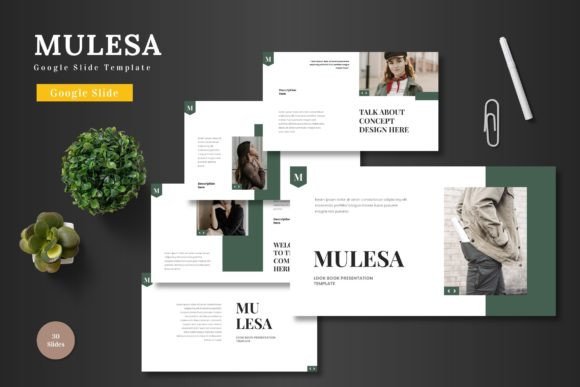
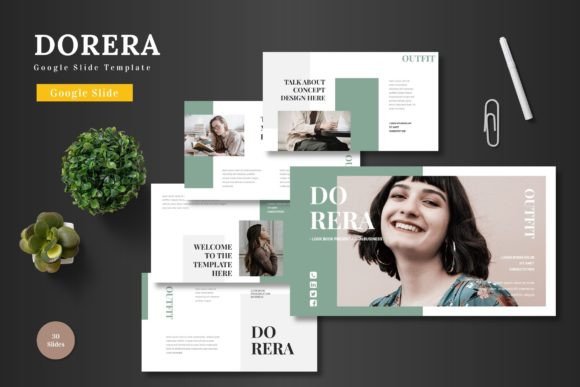
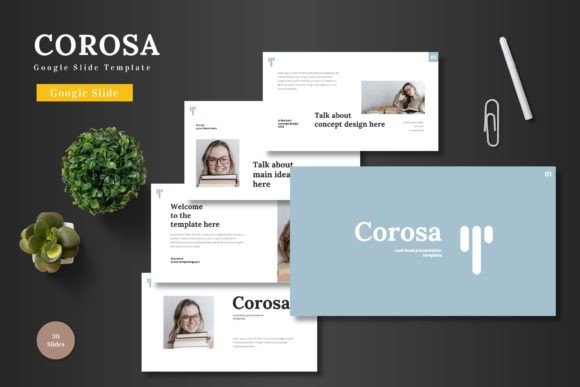
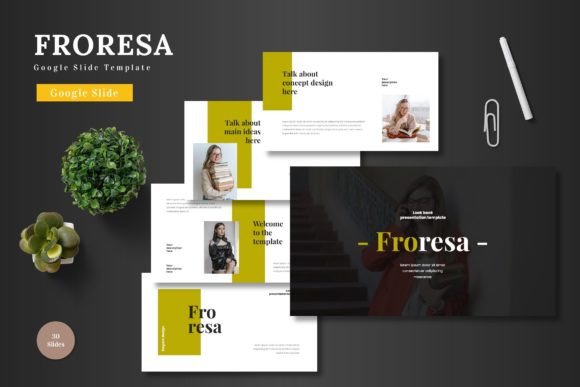
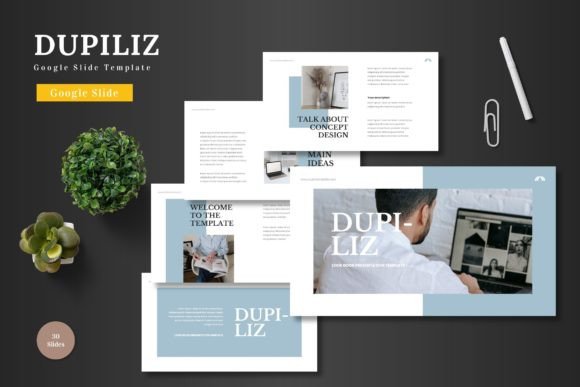
Dupiliz isn't just another set of pre-made slides; it's a comprehensive design system built for Google Slides. The core appeal lies in its balance of structure and flexibility. With over 150 total slides organized across five premade color schemes, it offers a substantial library of layouts. Each color variation provides 30 distinct slides, covering everything from impactful title pages and section breaks to detailed infographics, portfolio showcases, and data-driven charts. This variety means you can assemble a cohesive narrative flow for any type of presentation, whether it's a detailed business proposal, an engaging product demo, or a clean educational workshop.
The visual philosophy behind Dupiliz is modern clarity. The designs are clean and scalable, avoiding visual noise that can distract an audience. The use of pixel-perfect illustrations and handcrafted infographics adds a layer of polish that feels professional and intentional. Because every element is editable directly within Google Slides—shapes, colors, text, and image placeholders—you maintain complete creative control. There's no need to switch between different software or struggle with incompatible files. You can drag and drop your own images into placeholders, adjust color palettes to match your brand guidelines, and modify any graphic to fit your specific content, ensuring every presentation feels uniquely yours.
Practical Applications for Business and Beyond
The true test of any design asset is its real-world utility. A template like Dupiliz finds its strength across a spectrum of professional scenarios, directly impacting efficiency and output quality.
- For Entrepreneurs and Startups: Crafting a compelling pitch deck is crucial for securing funding. Dupiliz provides the structure to present your business model, market analysis, and financials in a visually engaging way, helping to build credibility and keep potential investors focused on your story.
- For Marketers and Brand Managers: Launching a new product or campaign requires consistent messaging across multiple touchpoints. Use the template to create unified internal briefs, client-facing proposals, and social media content plans. The consistent visual language reinforces brand recognition and ensures all stakeholders are aligned.
- For Educators and Trainers: Transform dry information into interactive learning experiences. The infographic slides are perfect for breaking down complex processes, while the gallery layouts can showcase student work or historical examples, making content more digestible and memorable.
- For Small Business Owners: From quarterly reviews to team meetings, professional presentations reflect on your business's standards. Dupiliz allows you to quickly generate reports that are easy to follow, with clear data visualization that turns numbers into insights.
This versatility extends beyond traditional business use. Creative professionals can use it for client mood boards, wedding planners can design beautiful event timelines, and non-profits can create persuasive fundraising decks. The template adapts to the user's goal, providing a professional framework that elevates the content's perceived value.
Enhancing Brand Identity and Audience Engagement
Consistency is the bedrock of strong branding. When your presentations, social media graphics, and marketing materials share a cohesive visual style, you build a recognizable identity that fosters trust. Dupiliz facilitates this by allowing you to establish a color scheme and design language within the template and replicate it across all your slide decks. This creates a seamless experience for your audience, whether they are viewing a webinar, reading a proposal, or following along with a workshop.
Beyond consistency, the design choices within the template actively support engagement. The clean layouts guide the viewer's eye naturally from one element to the next, preventing cognitive overload. Strategic use of white space makes content breathable, while well-designed charts and icons communicate data more effectively than text-heavy slides. By reducing the visual friction of consuming information, you allow your audience to focus on your message, leading to better retention and more productive discussions.
Getting the Most Out of Your Template
To truly leverage a tool like Dupiliz, consider these practical tips:
- Start with a Content Outline: Before opening the template, sketch out your key messages and the flow of information. This will help you select the most appropriate slide layouts and avoid getting sidetracked by design options.
- Customize for Your Brand: Don’t just use the default colors. Take the time to input your brand’s exact hex codes into the color schemes. Swap placeholder images with your own high-quality photography or branded graphics to create a truly personalized asset.
- Focus on Readability: Choose font pairings that are clear and appropriate for your audience. Ensure there is sufficient contrast between text and background colors, especially for projected presentations in well-lit rooms.
- Use the Master Slides: For any global changes, like updating a logo or changing a font family across all slides, edit the master slides. This ensures uniformity and saves significant time compared to editing each slide individually.
- Leverage the Extras: The included Readme file with font and photo information is a valuable resource. It ensures you can legally use the recommended fonts and provides links to the high-quality stock photos used in the previews, helping you maintain a professional standard.
Ultimately, a presentation template is a tool to amplify your voice, not drown it out. Dupiliz provides a clean, modern, and highly adaptable canvas that respects both the content creator's time and the audience's attention. By handling the heavy lifting of design consistency and layout, it frees you to concentrate on what matters most: delivering a clear, compelling, and memorable message.