Froresa: A Clean Google Slides Template for Polished Presentations
You’ve got a brilliant idea, a product launch, or a quarterly business update. The content is solid. But then you open a blank presentation file, and that familiar dread sets in. How do you make the information look as good as it sounds? How do you ensure every slide feels cohesive and professional without spending hours aligning text boxes and hunting for consistent icons? This is the gap between having a message and delivering it with impact.
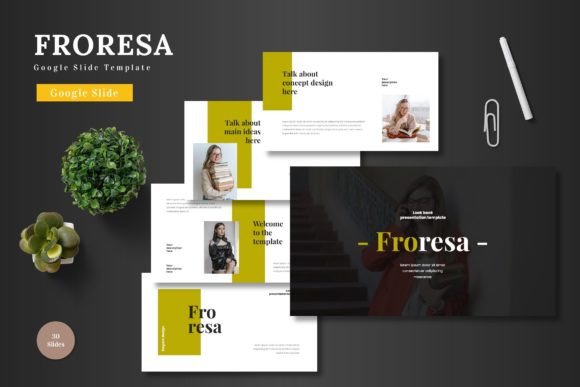
This is exactly where the Froresa - Google Slide Template steps in. It’s not just another set of pre-made slides; it’s a comprehensive visual toolkit designed to transform your ideas into a clear, engaging, and visually consistent narrative. Built for Google Slides, it leverages the platform's accessibility while delivering the polish of custom design software. The philosophy is simple: you should focus on your story, not on fighting with formatting.
Beyond the Blank Canvas: What Makes Froresa Visually Effective
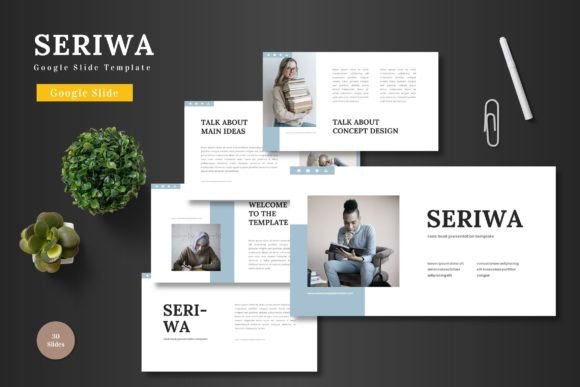
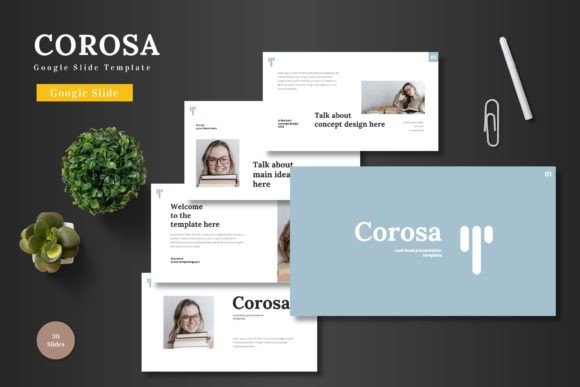
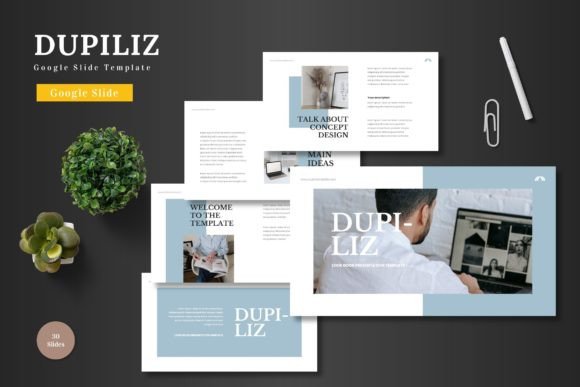
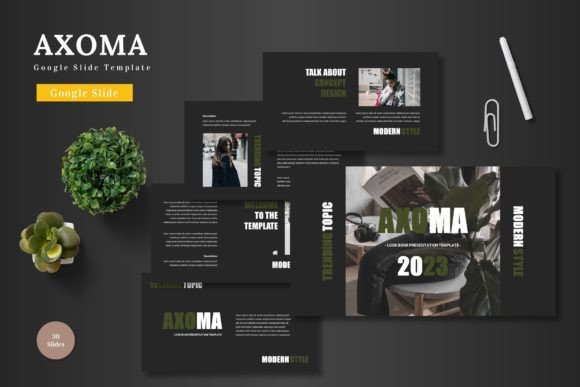
The first thing you’ll notice is its clean, modern aesthetic. Froresa embraces minimalism with purpose. White space isn't empty; it's a deliberate design element that gives your content room to breathe, making it easier for your audience to digest complex information. The color palettes—five distinct variations—are carefully curated to be both vibrant and professional, avoiding the garish tones that can undermine credibility.
Every element is pixel-perfect. This means the handcrafted infographics, icons, and illustrations aren't just generic clipart. They are custom-designed vectors that remain sharp at any size, whether you're presenting on a laptop screen or a conference hall projector. The consistency across all 150+ slides is impeccable. Fonts, spacing, and graphical styles are uniform, which is the secret to making any presentation look like it was crafted by a dedicated design team.
A Practical Toolkit for Real-World Projects
Think of this template not as a single-use file, but as a foundational asset for your brand's visual communication. Its versatility is its strongest suit.
- For Entrepreneurs & Startups: The clean layout is perfect for pitch decks. Use the section break slides to clearly demarcate the problem, solution, market, and team. The portfolio and gallery slides can showcase your product or service in a sleek, modern light, building instant credibility with potential investors.
- For Marketers & Content Creators: Need to create a webinar, a workshop series, or a social media content calendar presentation? The consistent structure helps maintain brand recognition across all your educational materials. The infographics are ideal for simplifying data and statistics, boosting audience engagement.
- For Small Business Owners: Use it for everything from staff training and quarterly reviews to client-facing proposals. The professional presentation quality reinforces your brand's commitment to quality and attention to detail, which is a subtle but powerful form of marketing.
- For Personal & Creative Projects: Planning a wedding, a milestone birthday, or a community event? The invitation-style layouts and elegant typography can be adapted to create beautiful, personalized slideshows to share with family and friends.
Practical Tips for Making Froresa Your Own
Getting a great template is the first step. Using it effectively is the next. Here’s how to ensure your final presentation is uniquely yours while leveraging the template's strengths.
Start with Your Brand Kit. Before you dive into editing, have your brand's hex color codes, logo files, and preferred fonts ready. The template's color variation feature is a fantastic starting point, but swapping in your exact brand colors using the master slide editor will take it from a generic template to a true extension of your brand identity.
Master the Drag-and-Drop. The picture placeholder functionality is a game-changer for efficiency. Instead of painstakingly cropping and resizing images, simply drag your photo from your desktop onto the placeholder. The image will automatically fit perfectly within the designed frame, maintaining the layout's integrity.
Edit the Master Slides for Global Changes. This is the most powerful feature for ensuring visual consistency. If you want to change the default font for all body text or adjust the color of all shapes, do it on the master slide. This change will cascade through every single slide in your deck, saving you immense time and preventing inconsistency errors.
Think in Sections. Use the dedicated section break slides to your advantage. They provide a mental reset for your audience and give your narrative structure. A strong section break can signal a shift in topic, a major conclusion, or a call to action.
Ensuring Clarity and Readability
A beautiful design fails if the message gets lost. Froresa’s clean typography is designed with readability in mind. The font pairings are intentional, typically combining a clear, modern sans serif font for body text with a complementary display font for headings. This creates a clear hierarchy that guides the viewer's eye.
When adding your content, resist the urge to fill every space. Follow the template's lead on brevity. Use short, impactful sentences and bullet points. Let the visuals—those resizable and editable graphics—do much of the talking. A well-placed infographic can communicate a process or dataset more effectively than a paragraph of text ever could.
Remember, the goal is professional presentation. This means aligning your content with the template's grid, using consistent capitalization, and ensuring every element on the slide serves a clear purpose. The template provides the structure; your content provides the value.
The Final Polish: From Template to Triumph
Once your content is in, take the time to review. Use the "Present" mode to see how the animations and transitions flow. Are they smooth and professional, or distracting? Adjust them to enhance, not overshadow, your narrative. Check the font pairing in a full-screen view—is it still legible from the back of a hypothetical room?
The Froresa - Google Slide Template ultimately provides something invaluable: confidence. Confidence that your visual presentation matches the quality of your ideas. Confidence that your materials look cohesive and authoritative. It removes the technical barriers of design, allowing you to communicate with clarity and style, whether you're closing a deal, teaching a concept, or celebrating a milestone. It’s a foundation upon which you can build countless compelling stories.