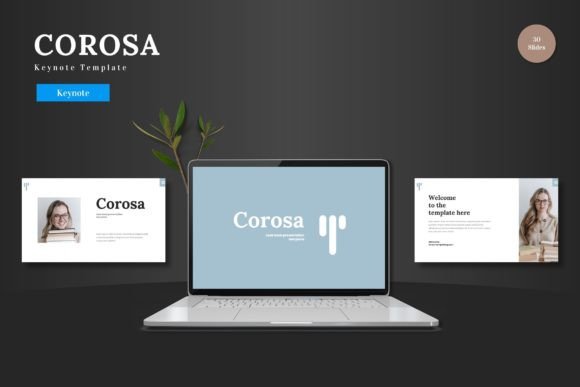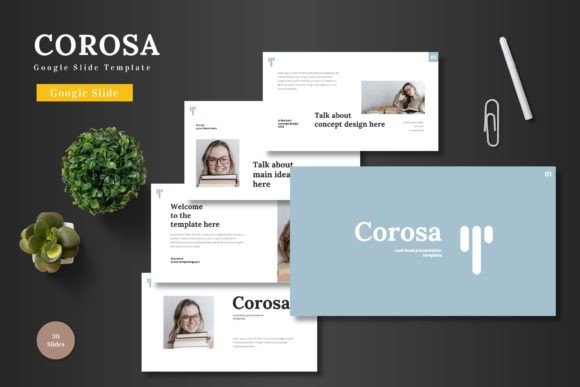
Corosa: A Clean Google Slides Template for Modern Brands
Creating a presentation that looks professional shouldn't require a degree in graphic design. Whether you're pitching to investors, launching a new product, or presenting quarterly results, the visual quality of your slides directly impacts how your audience perceives your message. Corosa - Google Slide Template addresses this challenge with a design system that balances aesthetic appeal with practical functionality, giving business professionals and creatives a solid foundation for polished presentations.
Why Visual Consistency Matters in Presentations
Think about the last time you sat through a presentation where every slide looked slightly different—fonts changed midway through, colors clashed, and alignment seemed like an afterthought. It's distracting. Worse, it undermines credibility. When your visual language shifts from slide to slide, your audience spends mental energy trying to reconcile the inconsistency instead of absorbing your content.
Corosa solves this problem through its master slide architecture. Every element—typography, color palettes, spacing, and layout—follows a unified design system built into the template. You're not starting from a blank canvas and hoping things match. You're working within a framework that enforces visual harmony automatically. For small business owners juggling multiple responsibilities, this kind of built-in consistency is genuinely valuable. It means your brand identity stays intact even when you're building presentations under tight deadlines.
Practical Design for Real Business Needs
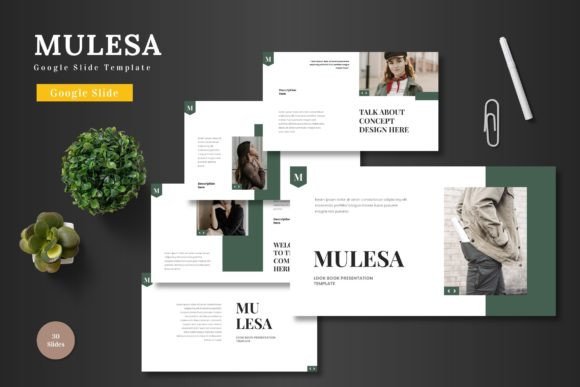
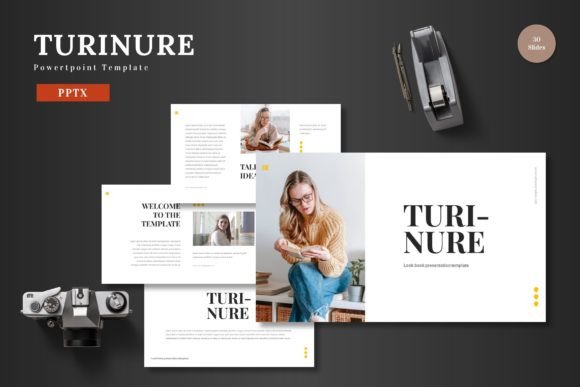
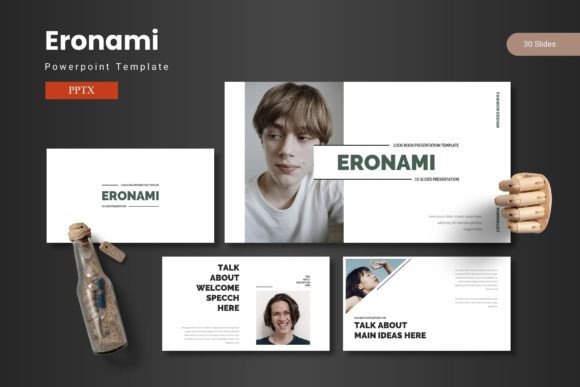
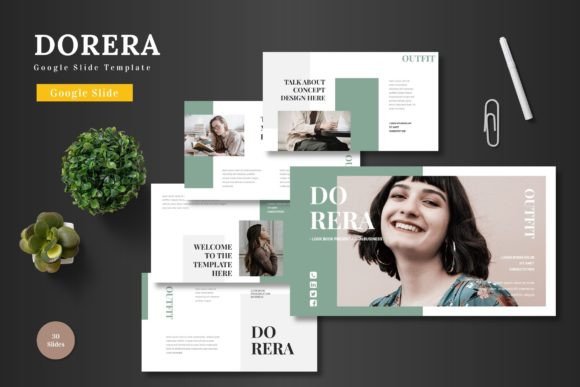
What makes Corosa stand out among Google Slides templates is its versatility across different business contexts. The template includes over 150 slides distributed across five premade color schemes, with 30 slides per template variation. This isn't a one-size-fits-all approach—it's a toolkit designed to adapt to different industries and presentation goals.
Consider a startup founder preparing a pitch deck. They need clean data visualization, clear section breaks to guide the narrative flow, and enough flexibility to showcase their product with compelling imagery. Corosa's handcrafted infographics and picture placeholders make this straightforward. Drag your product photos into designated spaces, adjust the color scheme to match your brand palette, and you have a pitch deck that looks like it came from a professional design agency.
The same template works equally well for e-commerce presentations, product launches, or corporate reporting. The pixel-perfect illustrations and resizable graphics mean you can scale elements without losing quality—a detail that matters when you're presenting on different screen sizes or converting slides into PDF handouts.
Here's what the template package includes:
- 5 PPTX files in widescreen format, each with a distinct color scheme
- Section break slides that create natural pauses in your narrative
- Gallery and portfolio slides for visual storytelling
- Drag-and-drop picture placeholders that simplify image integration
- A readme file with font and photo information for seamless setup
Building Brand Recognition Through Presentation Design
Your presentations are an extension of your brand identity. Every time you share slides—whether in a boardroom, at a conference, or through a screen share on Zoom—you're reinforcing how people perceive your business. A cohesive visual presentation signals professionalism, attention to detail, and competence.
For content creators and marketers, this connection between presentation quality and brand perception is especially important. If you're a social media manager presenting campaign results to a client, or a course creator sharing your curriculum with potential students, the design of your slides communicates as much as the content itself. Corosa's clean, modern typography and balanced layouts help establish that professional impression without requiring you to hire a designer for every presentation.
The five color variations included with the template give you flexibility to match your existing brand guidelines. Rather than forcing your brand colors into a template that wasn't designed for them, you can select the variation that comes closest to your palette and make targeted adjustments. The master slide system ensures that color changes propagate consistently throughout the entire presentation.
Editing Without Additional Software
One of the most practical advantages of Corosa is that everything happens inside Google Slides. There's no need to purchase additional software, learn a new design tool, or worry about file compatibility. If you can use Google Slides, you can customize this template fully.
This accessibility matters for teams where multiple people might need to update presentations. A sales team can maintain consistent pitch decks without waiting for design support. A small business owner can update product information in a presentation without navigating complex software. The editable shapes and text elements respond to standard Google Slides controls, making the learning curve essentially nonexistent.
The animated slides add a layer of engagement without requiring animation expertise. Subtle transitions and motion effects are pre-built into the template, helping you maintain audience attention during longer presentations. These animations follow the same design logic as the static elements—consistent, purposeful, and professional rather than flashy or distracting.
Matching Your Presentation to Your Goals
Different presentation contexts call for different approaches. A startup pitch deck needs to build a compelling narrative quickly, with data that supports your business case and visuals that make your product tangible. A product promotion presentation needs strong imagery, clear value propositions, and persuasive layouts that guide the viewer toward a decision.
Corosa's slide variety supports these different goals without requiring you to build custom layouts. The infographics work well for data-heavy presentations, while the gallery slides serve creative portfolios and product showcases. Section breaks create natural transitions between topics, helping your audience follow your narrative structure.
For anyone building their presentation toolkit, investing in a quality template like Corosa pays dividends across multiple projects. Rather than spending hours formatting slides from scratch for each new presentation, you start with a professional foundation and focus your energy on content and strategy. That efficiency translates directly into better presentations delivered faster—exactly what busy professionals need.
The template's clean design philosophy means it won't compete with your content for attention. Strong presentations let the message lead while the design supports. Corosa's balanced layouts and restrained color palettes achieve this balance, giving your ideas the visual stage they deserve without unnecessary visual noise.