Luminaro: A Clean, Modern Template for Professional Presentations
You’ve spent weeks refining your business plan, your marketing strategy is solid, and your product is ready to launch. But when it comes time to present your ideas—to investors, clients, or your team—the wrong visual framework can undermine all that hard work. A cluttered, inconsistent, or amateurish slide deck doesn't just look bad; it creates friction, distracts from your message, and can subtly erode trust. This is where a thoughtfully designed template becomes more than a convenience—it becomes a strategic asset.
More Than Just Slides: A Foundation for Visual Communication
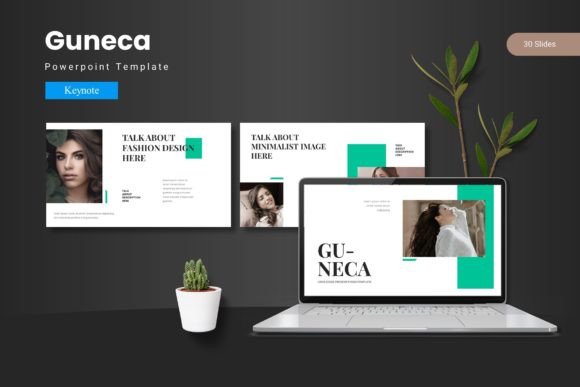
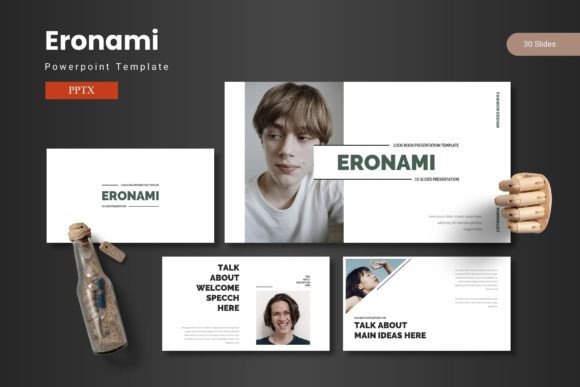
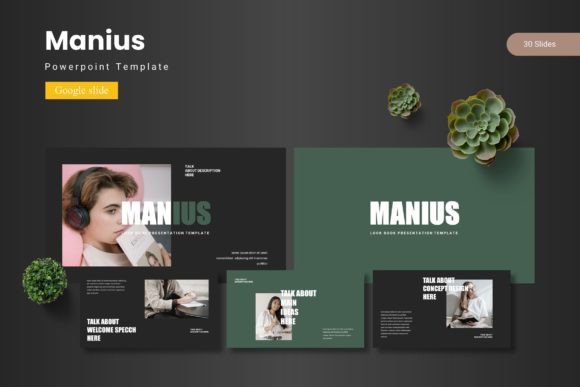
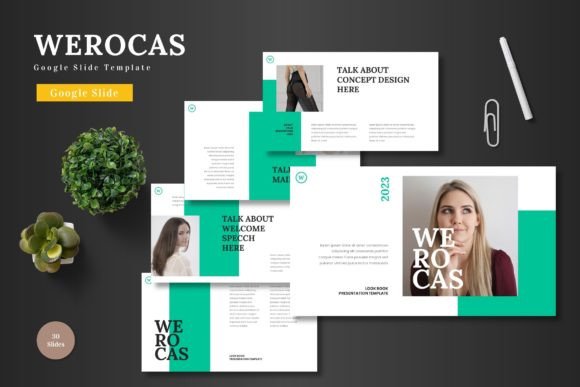
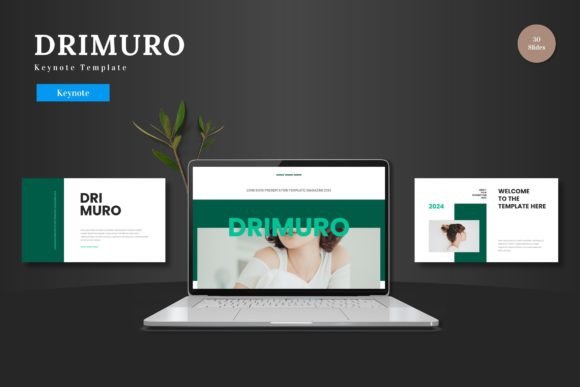
The Luminaro - Google Slide Template isn't merely a collection of pre-made slides. It’s a cohesive system built for clarity and impact. Its design philosophy centers on clean lines, ample white space, and a structured hierarchy that guides your audience's eye exactly where you want it. The visual appeal lies in its restraint; it avoids trendy distractions in favor of timeless, scalable graphics that keep the focus squarely on your content. Whether you're showcasing financial data, product features, or a brand story, the template provides a polished, professional canvas that elevates your material without overwhelming it.
Practical Applications Across the Business Spectrum
The true test of any design asset is its versatility. Luminaro’s strength is its adaptability to a wide range of real-world scenarios, making it a valuable tool for various professionals.
- Entrepreneurs & Startups: Crafting a compelling pitch deck is critical. The template’s 30 slides per color scheme, complete with section breaks and infographics, allow you to structure a narrative that flows logically from problem to solution, market analysis, and financial projections. The consistent visual language builds credibility from the first slide.
- Marketing & Brand Managers: Maintaining brand consistency across presentations is a constant challenge. With Luminaro, you can establish a master slide deck aligned with your brand guidelines—using the five color variations to match your palette—and ensure every internal and external presentation reinforces your brand identity. The picture placeholders make it simple to integrate approved brand imagery.
- E-commerce & Product Teams: Launching a new product or running a promotion requires clear, engaging visuals. Use the gallery and portfolio slides to display product lines beautifully. The pixel-perfect, resizable graphics are perfect for highlighting features or comparing specifications without losing quality, whether you're presenting on a screen or exporting slides for a digital brochure.
- Educators & Consultants: Teaching complex concepts or outlining service packages demands clarity. The handcrafted infographics within Google Slides help transform data and processes into understandable, memorable visual aids. The clean aesthetic reduces cognitive load, helping your audience focus on the information, not the decoration.
Enhancing Your Workflow and Final Output
Beyond aesthetics, Luminaro is engineered for efficiency. The entire system is built on Google Slides master slides, meaning you can make global changes to fonts, colors, or logos in one place, and they will update across all 150+ slides instantly. This is a game-changer for teams and for anyone who values a streamlined workflow. The drag-and-drop picture placeholders eliminate the tedious resizing and cropping that often eats into preparation time. You spend less time formatting and more time refining your message.
This efficiency directly translates to a more professional final product. Visual consistency becomes automatic, which is the bedrock of strong brand recognition. When every slide shares the same typographic style, color accents, and spatial rhythm, your presentation feels unified and authoritative. This professional presentation quality doesn’t just look good; it enhances audience engagement by creating a seamless, distraction-free viewing experience. Your ideas are communicated with greater readability and impact.
Key Considerations When Using a Template System
To get the most out of a resource like this, a few practical steps are worthwhile:
- Align with Your Goals: Before diving in, clarify the objective of your presentation. Is it to persuade, inform, or educate? Choose a color variation from the five provided that best matches the tone of your content and your brand’s personality. A bold scheme might suit a product launch, while a muted one could be better for a formal report.
- Customize Thoughtfully: The template is a starting point, not a final product. Replace placeholder images with your own high-quality photos or custom graphics. Adjust the color scheme if needed to perfectly match your brand hex codes. Use the infographic elements as a base, but tailor the data and labels to tell your specific story.
- Test for Readability: Always run a presentation check in "Slideshow" mode. View it from the back of a virtual room. Are the key points legible? Do the animated transitions (if used) support the narrative or distract from it? Ensure your content has room to breathe within the clean layouts.
In a landscape where digital communication is paramount, the tools you use to present your ideas matter. A well-structured, visually coherent template like Luminaro provides more than just pretty slides; it offers a framework for clear thinking and confident delivery. It’s an investment in ensuring your hard work is received with the clarity and professionalism it deserves.