Gugerof: A Polished Foundation for Professional Presentations
Let's be honest: creating a presentation from scratch is often a frustrating exercise in wheel-spinning. You open a blank slide deck, stare at the cursor, and spend hours wrestling with alignment, color palettes, and layouts before you even get to the core message. For designers, entrepreneurs, and marketing professionals, time is the most valuable asset. This is where a robust template system like the Gugerof - Google Slide Template changes the game. It’s not just about having pre-made slides; it’s about having a structured, visually coherent framework that allows your ideas to shine without the design headache.
With Google Slide templates, you can create visually appealing presentations that effectively convey your ideas through arrangements, images, text, colors, and transitions. You can modify these templates to suit your preferences. The Gugerof collection is specifically engineered to bridge the gap between raw content and professional presentation, offering a suite of tools that act as design assets rather than just static backgrounds.
Beyond the Slides: A System for Visual Consistency
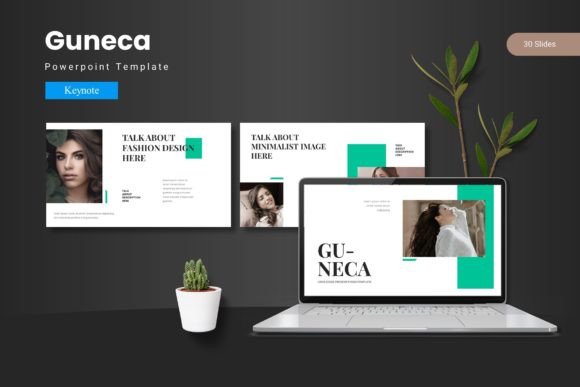
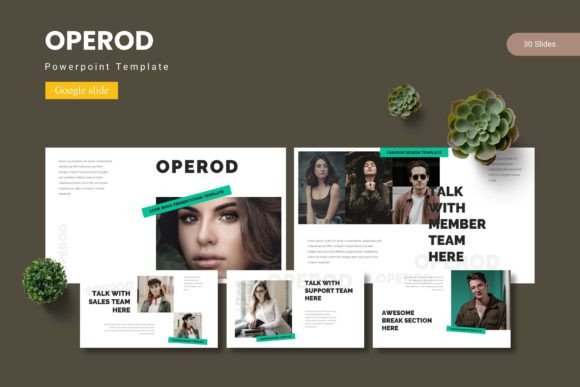
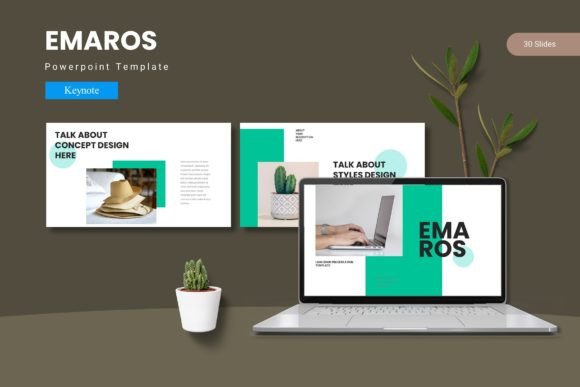
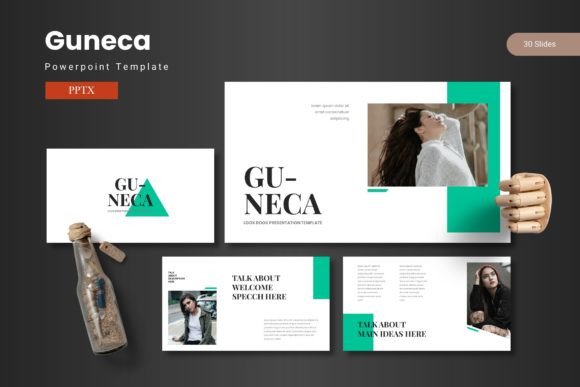
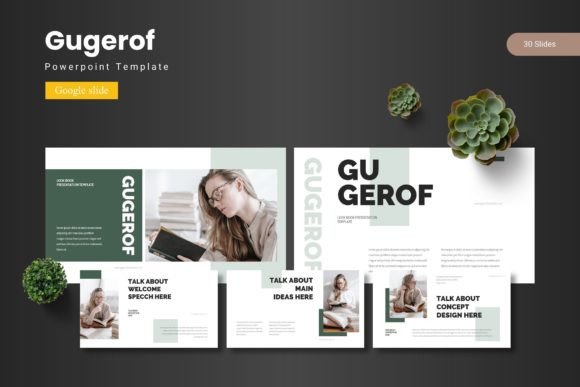
One of the biggest challenges in brand identity is maintaining consistency across different platforms. Whether you are a small business owner pitching to investors or a content creator outlining a strategy, your visual language needs to be uniform. Gugerof addresses this by offering more than just a single look. With 150+ Total Slides spread across 5 Premade colors, it provides a comprehensive ecosystem for visual consistency.
Each of the five color variations offers 30 Slides, ensuring that you have enough room to develop complex narratives without running out of layout options. This variety is crucial for editorial design. Imagine you are creating a quarterly report or a digital product catalog. You need specific layouts for data visualization, text-heavy explanations, and full-bleed imagery. Gugerof includes Section Break Slides to help you organize your narrative flow, making it easier for your audience to digest information. By utilizing the Master Slides feature, you can make global changes to fonts or logos instantly, ensuring that your brand recognition remains intact throughout the entire deck.
Infographics and Visual Communication
Data alone rarely sells an idea; it is the presentation of that data that drives audience engagement. The Gugerof template includes Handcrafted Infographic elements that are essential for modern marketing assets. Instead of using standard, boring charts, you can leverage these custom graphics to tell a story with your numbers.
For those involved in packaging design or social media graphics, the Pixel-perfect illustrations included in the package serve as high-quality starting points. These aren't just decorative elements; they are functional tools for visual communication. The fact that all graphics are Resizable and Editable means you aren't locked into a rigid structure. If you are working on a pitch for a logo design project, you can resize these elements to focus on specific details or create mockups directly within the slide environment. The Picture Placeholder feature, which allows for drag-and-drop functionality, streamlines the process of inserting your own photography or stock images, saving valuable production time.
Practical Applications for Creative Professionals
The utility of a premium template extends far beyond the boardroom. For the creative entrepreneur, the Gugerof system is a versatile toolkit for various applications:
- Web Design & Development: Use the slides to map out user flows or present website mockups to clients. The clean layout mimics the grid systems used in web design.
- Merchandise & Invitations: The aesthetic flexibility allows you to mock up merchandise concepts or design sleek, modern invitations for corporate events.
- Blog Content Strategy: Bloggers can use the Gallery and Portfolio slide options to create visual mood boards or content calendars that are easy to share with collaborators.
- Digital Products: If you sell courses or e-books, these slides can be repurposed into downloadable PDF worksheets or lead magnets, enhancing the perceived value of your digital products.
For designers who work with clients, having a go-to template like this is a secret weapon for efficiency. It allows you to focus on the creative problem-solving aspects of editorial layouts and branding rather than technical formatting.
Typography and Readability Considerations
While the visual layout is critical, the text within the presentation must be legible and stylistically appropriate. A template is only as good as its readability. When using Gugerof, it is vital to consider how your chosen typeface interacts with the modern typography guidelines embedded in the design.
Since the template is based on Master Slides, you have the flexibility to experiment with font pairing. You might choose a bold display font for headers to grab attention, paired with a clean sans serif font for body text to ensure easy reading on screens. If your brand leans more traditional or elegant, integrating a serif font or a subtle script font for accent text can add personality without sacrificing professionalism.
Always test your font pairings in the actual presentation mode. What looks good on the editing screen might be too small or too busy when projected. The Gugerof structure, with its balanced white space, supports high readability, but it is your responsibility to ensure the text content complements the visual hierarchy. Whether you are using a handwritten font for a personal touch or a corporate typeface for a formal report, ensure the contrast against the background colors is sufficient.
Getting Started and File Management
Transitioning to a new template system should be seamless. The Gugerof - Google Slide Template package is organized to facilitate this. The Main File Included consists of 5 PPTX Items From Google Slides, corresponding to the color schemes, and a comprehensive folder structure.
Upon downloading, you will find the folder contains Google Slides compatible files. It is highly recommended to start by reading the Readme First file. This document contains crucial information regarding Font & Photo Information, including links to download the specific typefaces used in the preview and credits for any stock imagery. Ensuring you have the correct commercial font licenses is a step many overlook, but it is vital for professional use.
Once the fonts are installed, you can upload the PPTX files to your Google Drive. Google Slides will automatically convert them, allowing you to begin editing immediately. The drag-and-drop Picture Placeholder feature makes it incredibly easy to customize the deck with your own assets. Whether you are preparing a keynote speech, a client onboarding deck, or a portfolio showcase, the Gugerof system provides the structural integrity and aesthetic polish required to present your work with confidence.