Banura: A Fresh Approach to Visual Storytelling
That moment of dread when you open a blank presentation file is familiar to many of us. Whether you're pitching a new client, outlining a quarterly report, or sharing a creative portfolio, the pressure to create something that is both professional and engaging can be immense. The goal isn't just to share information, but to tell a story that resonates. This is where a thoughtfully designed template system becomes less of a luxury and more of a strategic tool. The Banura - Google Slide Template is built on this principle, offering a structured yet flexible foundation for anyone who needs to communicate ideas with clarity and visual impact.
More Than Slides: A Visual Communication System
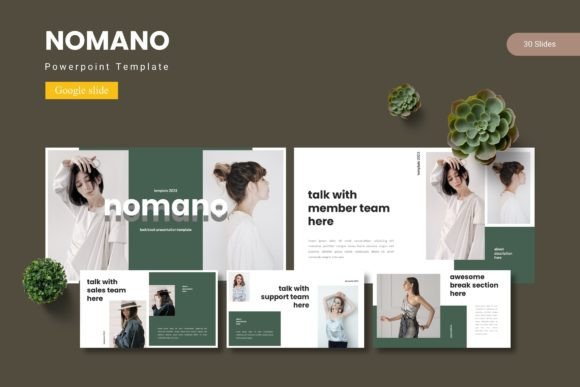
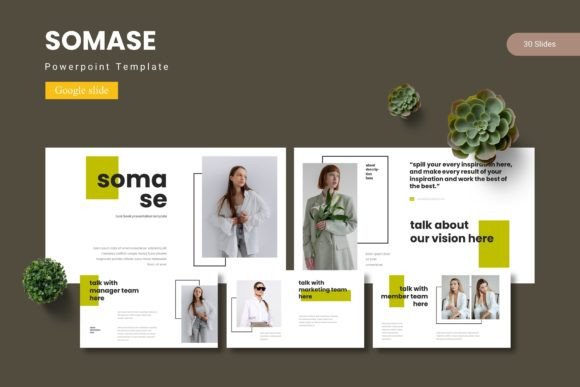
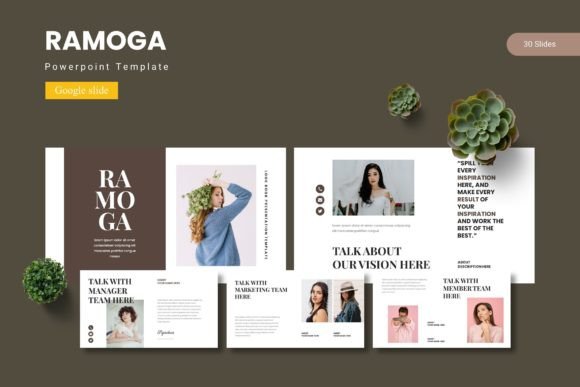
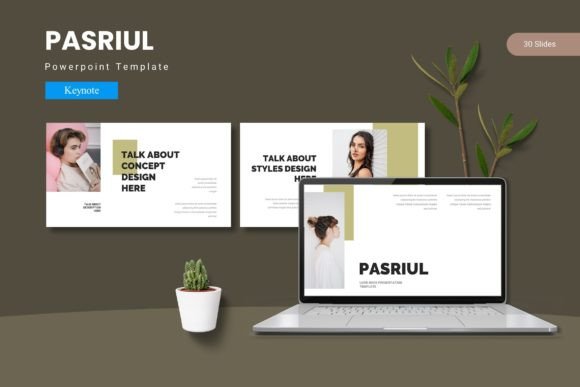
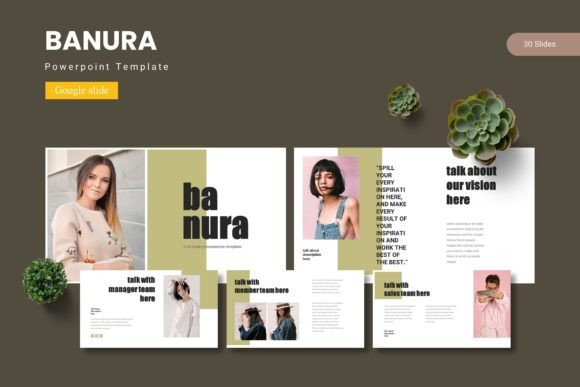
At its core, Banura is a comprehensive presentation toolkit. It provides over 150 total slides, organized into five distinct color schemes. Each color scheme offers 30 meticulously crafted slides, giving you a substantial library to work with. This structure means you're not just getting a single look, but five complementary moods—from professional and subdued to vibrant and energetic—allowing you to match the template to your brand's specific personality or the tone of your message.
The real value, however, lies in the details. The handcrafted infographics are designed to transform complex data into digestible, visually appealing graphics. Instead of struggling to build charts from scratch, you can select a pre-designed element that best represents your data, then customize it. The pixel-perfect illustrations and resizable graphics ensure that every element looks sharp and professional, whether you're presenting on a large screen or sharing a PDF. The inclusion of picture placeholders with drag-and-drop functionality streamlines the process of adding your own imagery, making the design workflow smooth and intuitive.
Practical Applications for Creators and Businesses
The versatility of a template like Banura extends far beyond the boardroom. Consider the needs of a small business owner building a brand identity from the ground up. The consistent color schemes and master slide layouts provide a ready-made framework for maintaining visual consistency across all materials. This is crucial for brand recognition. You can use the same template to design a pitch deck for investors, create a social media content calendar, and develop a visual guide for your packaging, ensuring every touchpoint feels unified.
For content creators and marketers, the applications are equally robust. Imagine using the gallery and portfolio slides to showcase a series of blog post graphics or social media campaigns. The template can serve as a dynamic mood board or a project proposal. The section break slides are perfect for organizing content into clear chapters, making lengthy reports or editorial layouts easier to follow. You can even repurpose the slides into static images for Instagram carousels or Pinterest pins, leveraging the professional design for multiple platforms. The template essentially acts as a central hub for your visual marketing assets.
Enhancing Your Design Process and Brand Presence
Using a premium template system like this one directly addresses common pain points in design and presentation. It significantly improves visual consistency. By starting with a professionally designed set of slides that share the same typographic hierarchy, spacing, and color palette, you eliminate the guesswork. This consistency builds brand recognition, as your audience begins to associate a specific visual style with your content. It also boosts professionalism. A polished, well-organized presentation subconsciously communicates competence and attention to detail, which can be a deciding factor in a client's decision or an audience's engagement.
Furthermore, it enhances readability. Good design guides the viewer's eye. The layouts in Banura are structured to create a clear flow, using headings, subheadings, and ample white space to prevent information overload. This thoughtful arrangement makes your content more accessible and easier to digest, which is fundamental for keeping your audience engaged from the first slide to the last. For entrepreneurs and freelancers, this means your ideas are not just seen, but understood and remembered.
Integrating Banura into Your Creative Workflow
Adopting a new design asset requires a bit of strategy. Start by exploring all five color variations. Don't default to the most obvious choice; consider which palette aligns with the emotional tone of your project. A financial consultant might lean towards the deeper, more conservative scheme, while a lifestyle brand could embrace the brighter, more contemporary option. The template is based on master slides, which is a powerful feature. This means you can make a change to the master layout—like updating a logo or adjusting a footer—and it will automatically update every slide that uses that master, saving you hours of manual work.
A key piece of advice is to test font pairings within your own context. While the template comes with its own typographic style, you may want to integrate your brand's primary typeface. Use the template's structure to see how your chosen font interacts with the layout, headings, and body text provided. Check for readability at different sizes, especially for body copy in infographics. Finally, always review the included readme file for information on fonts and photos. Understanding the licensing for any included assets is a non-negotiable step in professional work, ensuring you can use your final presentation for commercial purposes without issue. By treating the Banura - Google Slide Template as a flexible system rather than a rigid set of slides, you unlock its full potential to streamline your workflow and elevate your visual communication.